CUSTOM PET FOR CHATGPT
Meet your
new pet.
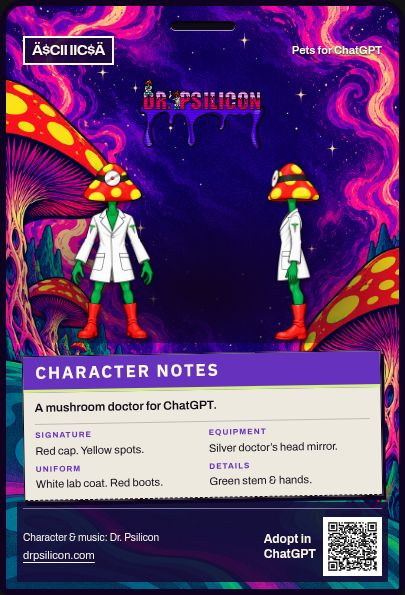
Dr. Psilicon
A mushroom-doctor companion for your ChatGPT.
Opens the official ChatGPT adoption page.
Dr. Psilicon
Pet presentation by Ä$CII IIC$Ä

IN MOTION
A little life.
On your screen.
Wave, work, wait—or take a quiet moment. Explore the finished pet below.
Keep the motion preview
The calm resting animation.
Explore a direction.
Looking up
Silent company. Play, pause, or explore a pose.
THE CHARACTER
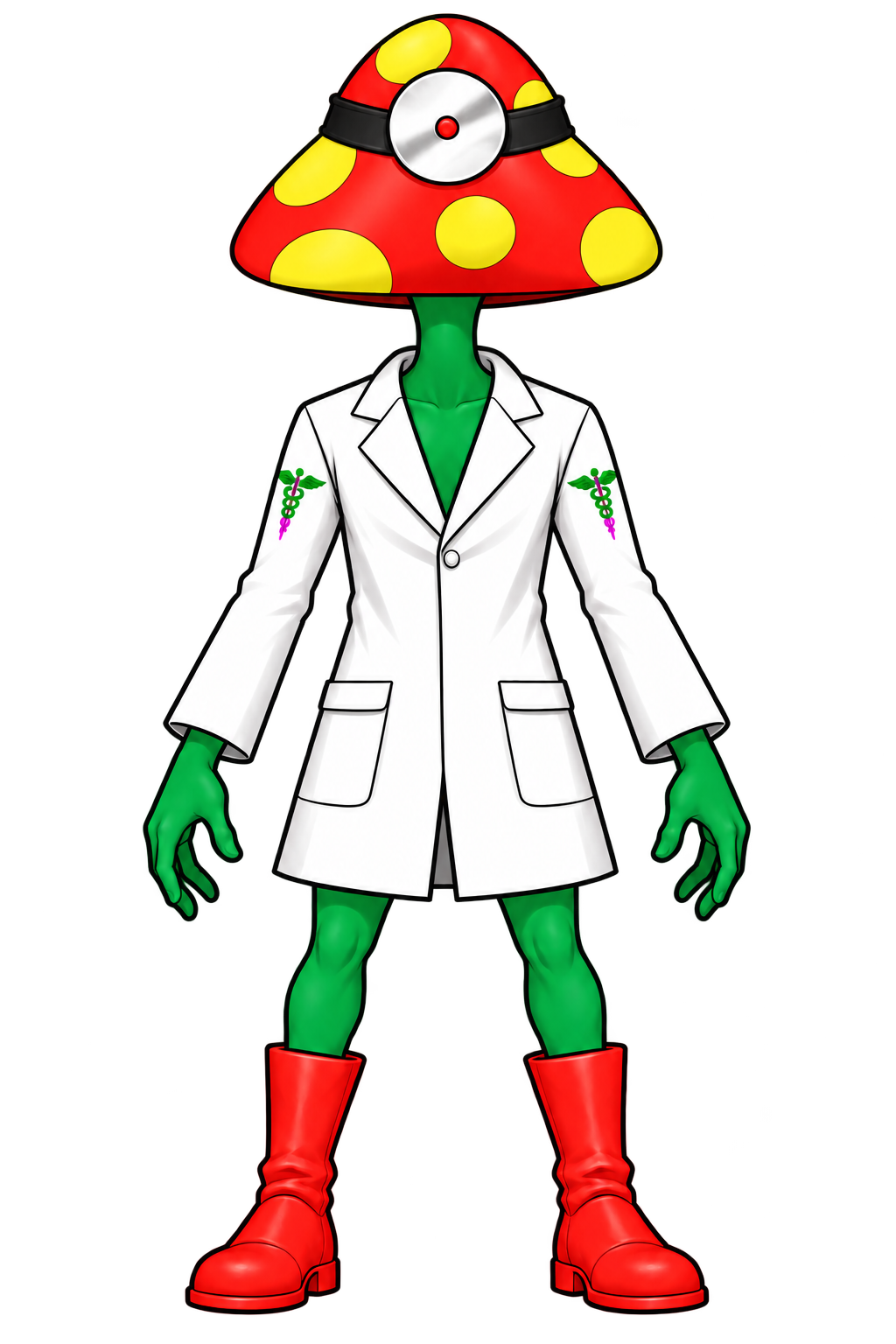
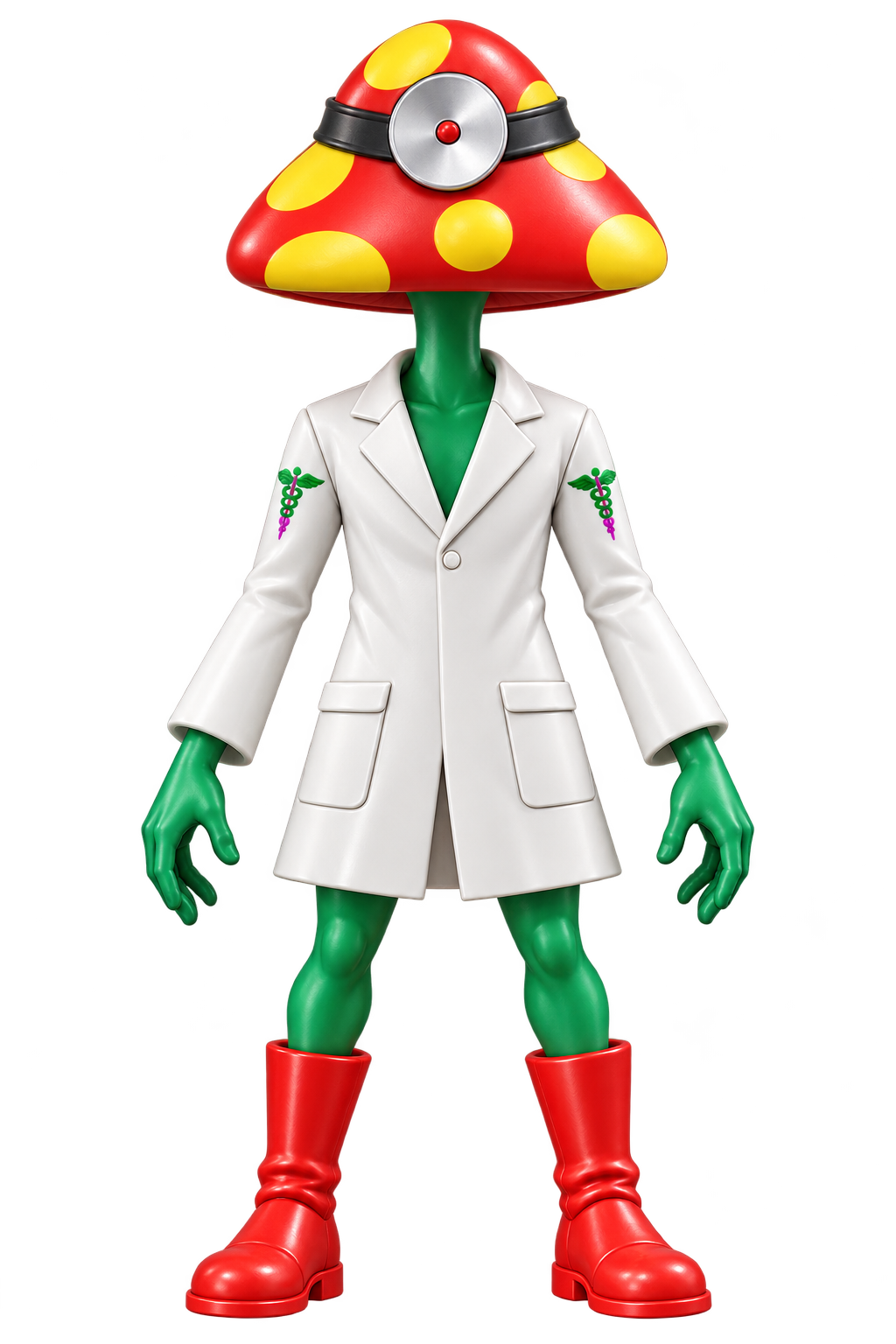
Red cap.
Yellow spots.
White coat.
Red boots.
The character, from every side. Select a view for a closer look.
The artist’s official site ↗THE ASSET LIBRARY
Artwork, motion
& a little more.
The finished character kit and individual assets, ready to keep.
Explore the collection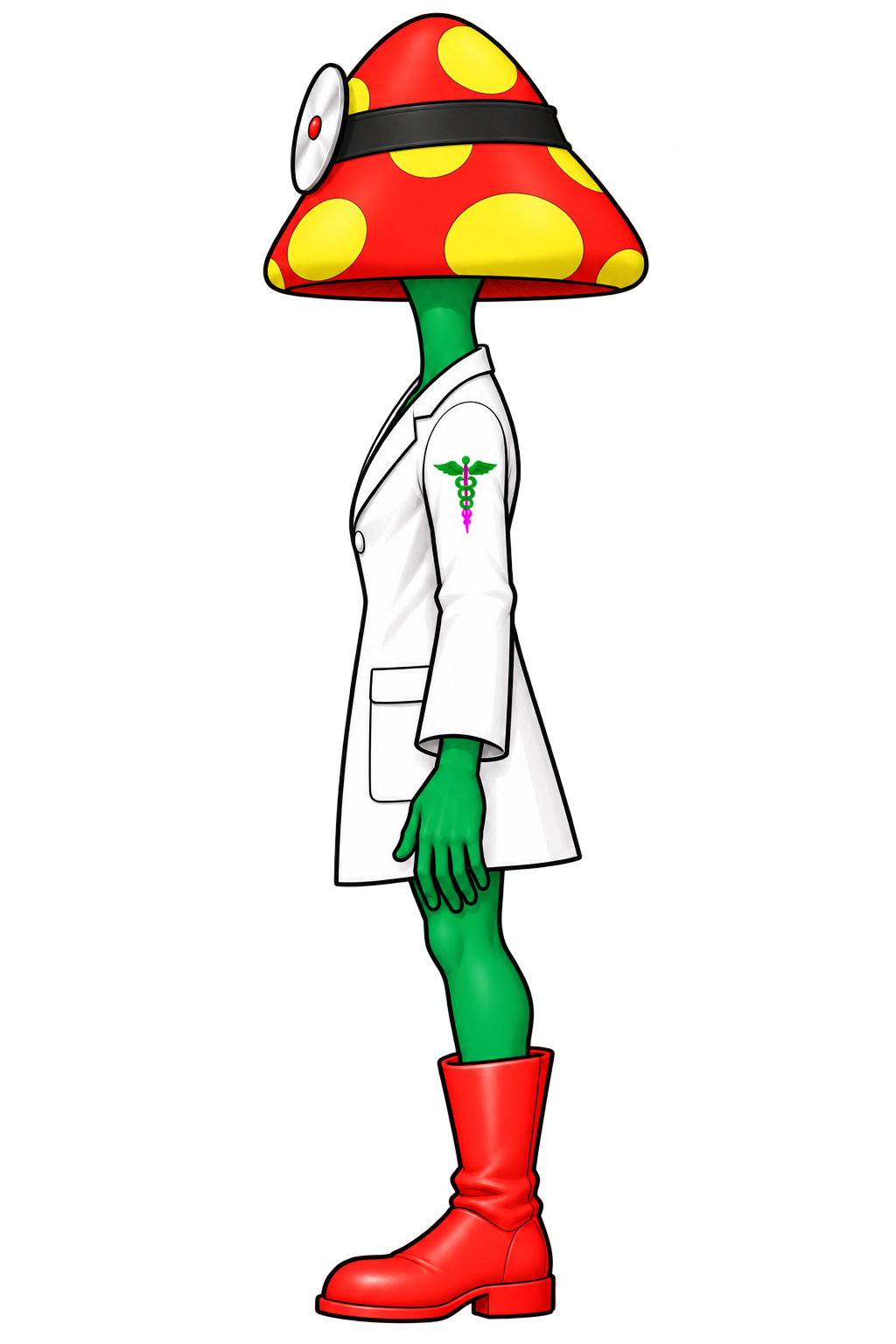


Watch the complete motion preview
A LITTLE COMPANY
A little company.
For your next big thing.
Give Dr. Psilicon a place in your ChatGPT.
Opens the official ChatGPT adoption page.
THE COMPANION GUIDE
A little more about your companion.
Meet Dr. Psilicon, make room for a little company, and find your way around ChatGPT Pets.
The official ChatGPT Pets guideWho is Dr. Psilicon?
A mushroom-doctor character with a red cap, yellow spots, a white lab coat and red boots—reimagined as an animated companion for ChatGPT.
What does a ChatGPT Pet do?
Your chosen character adds a little animated company to supported ChatGPT experiences. A pet personalizes the appearance of your workspace while you chat and work. ChatGPT’s models and tools work as usual.
How do I adopt Dr. Psilicon?
Sign in to your ChatGPT account and follow the adoption prompts. Pets need to be available for your account and workspace.
Where can my pet keep me company?
Web pets appear in supported ChatGPT Work chats. The desktop app also has floating pets with their own controls. Availability varies by account and workspace; custom pets do not automatically sync between web and desktop.
Can we have a quiet moment?
Of course. On the web, choose Default in ChatGPT’s pet settings to continue without a pet. In the desktop app, use Hide pet. Desktop pets also follow your device’s reduced-motion setting when you prefer a still companion.
Who’s behind this companion?
Character & music: Dr. Psilicon. Pet presentation by Ä$CII IIC$Ä.